Kuba
Hammer
On time
ReturnedRemind
MyBrixa app / Borrowed & Lent
Keep track of what you lend and borrow. Items, money, due dates and returns in one place, instead of scattered across messages.
No MyBrixa account yet? Create a MyBrixa account
Borrowed & Lent runs on a MyBrixa plan.
Your items, due dates and balances in one view.
Simple
From the first entry to the return. No spreadsheets or searching old conversations.
An item or cash, a person and a date. A photo if you want peace of mind.
Open items stay on top. On time, soon, overdue — at a glance.
Part of the cash came back? Damage to settle? You write it down and move on.
Returned items leave the list. The history stays if you ever need it.
Up close
Your items, due dates and balances in one view.
Open items stay on top. Returned ones step aside. Kit, cash and damage don’t mix.
What it’s for
For everyday loans, including the small things that are easy to forget.
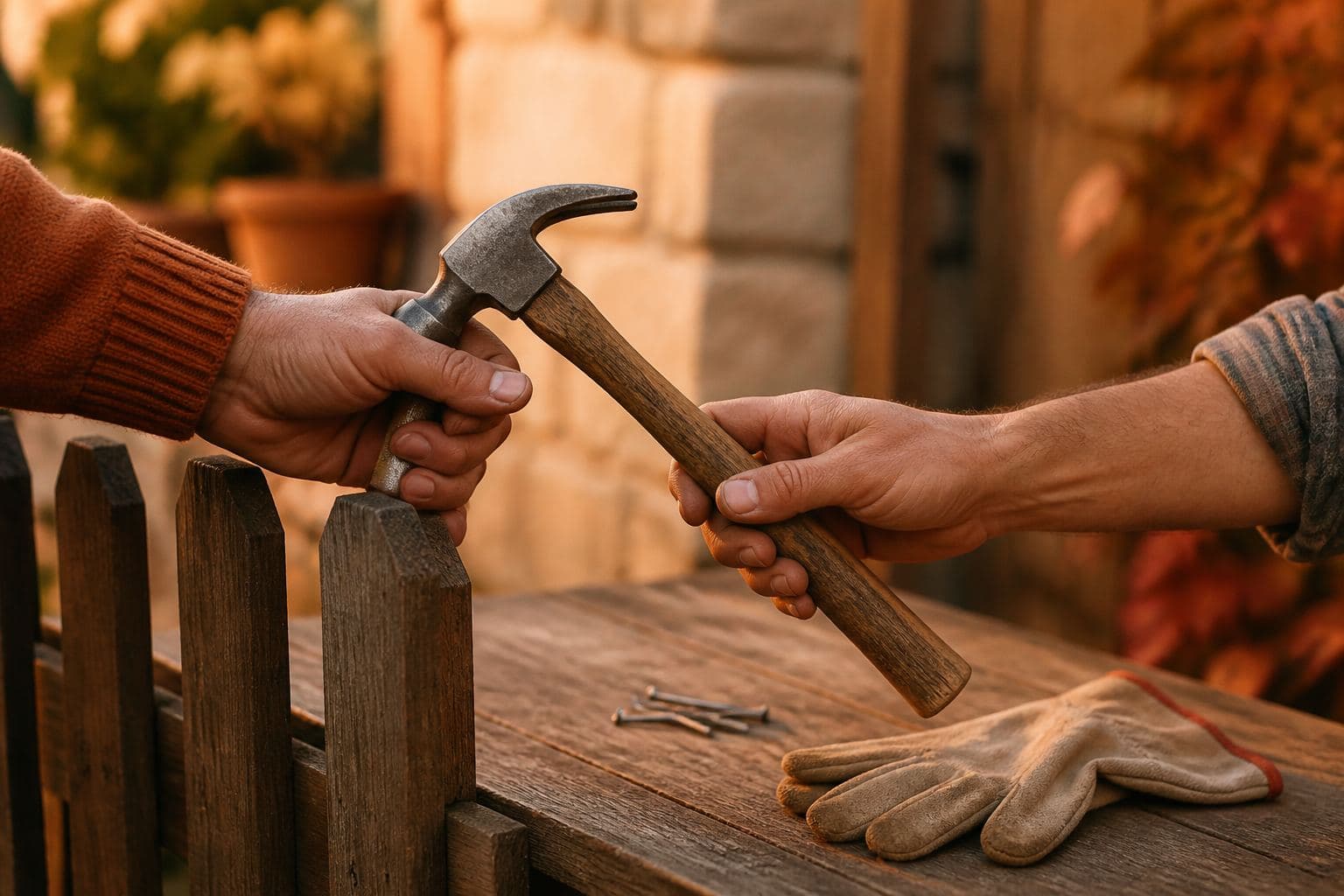
Drill, bike, trailer. A condition photo and a due date so “I already gave it back” doesn’t stick.

Fuel money, a deposit, a loan until payday. You know who still owes what.
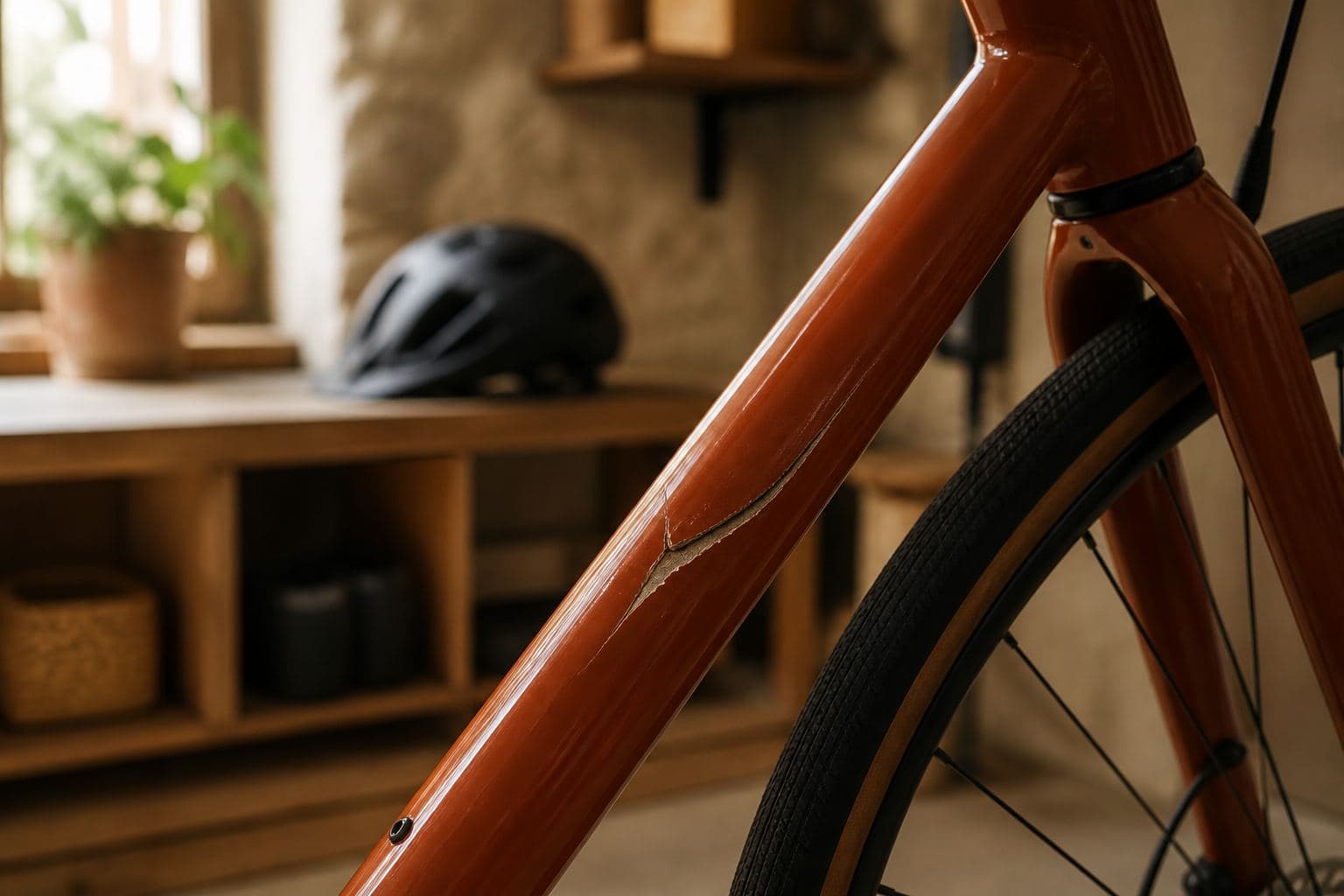
Broken kit, what you agreed, who pays whom. Separate from a normal loan.
Questions
Before you create an account or sign in.
No. Everything sits under your MyBrixa account. You only see your own cases and photos.
Sign in on the new one. The list and photos come back from your account.
No. You use the same MyBrixa account — no extra password here.
On your phone and computer. After you sign in, you see the same list.
Borrowed & Lent runs on a MyBrixa plan. See the plans in the hub.
A calm start
An item, a person, a due date. Your list keeps the details.